We sent our save the dates the week after a flight got cancelled. Half our list lives three states away, and I had this small panic about people booking hotels for the wrong weekend. So I printed a test card at the FedEx on Carlton, held it up next to the fridge magnets, and realized I’d typed the year wrong. The wrong year. On forty cards. Good thing I checked before the good cardstock.
Save the dates are the easy part of the wedding stationery, which is exactly why people overthink them. You are telling people a date and a city. That’s it. The trap is timing and who gets one, and both of those caused me more grief than the actual design.
What’s below is what I’d reach for again, plus the stuff I wish someone had told me in plain words. A couple of the links are affiliate links, so if you grab one it kicks a little back to me. Doesn’t change your price.
Full disclosure, a few links are affiliate links. Use one and a few cents come back to me, never anything added to your price.
The one I’d hand a friend who hates fonts
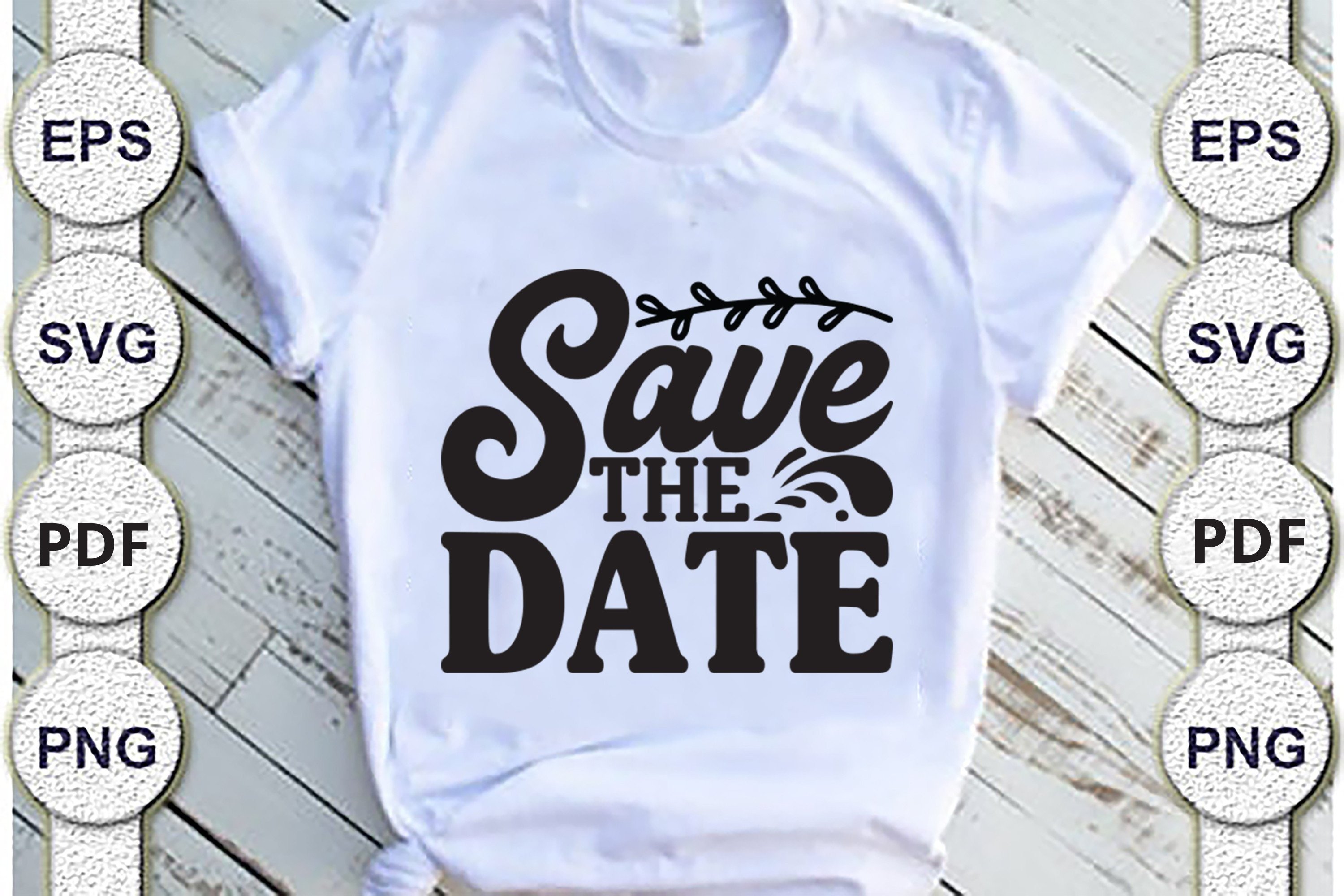
My coworker Dana asked me to help with hers over lunch and we got the whole thing done before the soup got cold. You type the names, the date, the city, and it sits where it should. No fighting the alignment.
I printed a single test on copy paper first, the way I do everything now, and taped it to the kitchen window to read it from the doorway. Held up fine. The clean layout means it photographs well too, which matters because half your guests will see it as a text photo before they see the real card.
One gripe. The default date format reads American month-first, and I have family overseas who read it backwards, so I spelled the month out instead of using numbers. Two minutes, no more confusion.
When you want to change one thing and not blow up the whole card
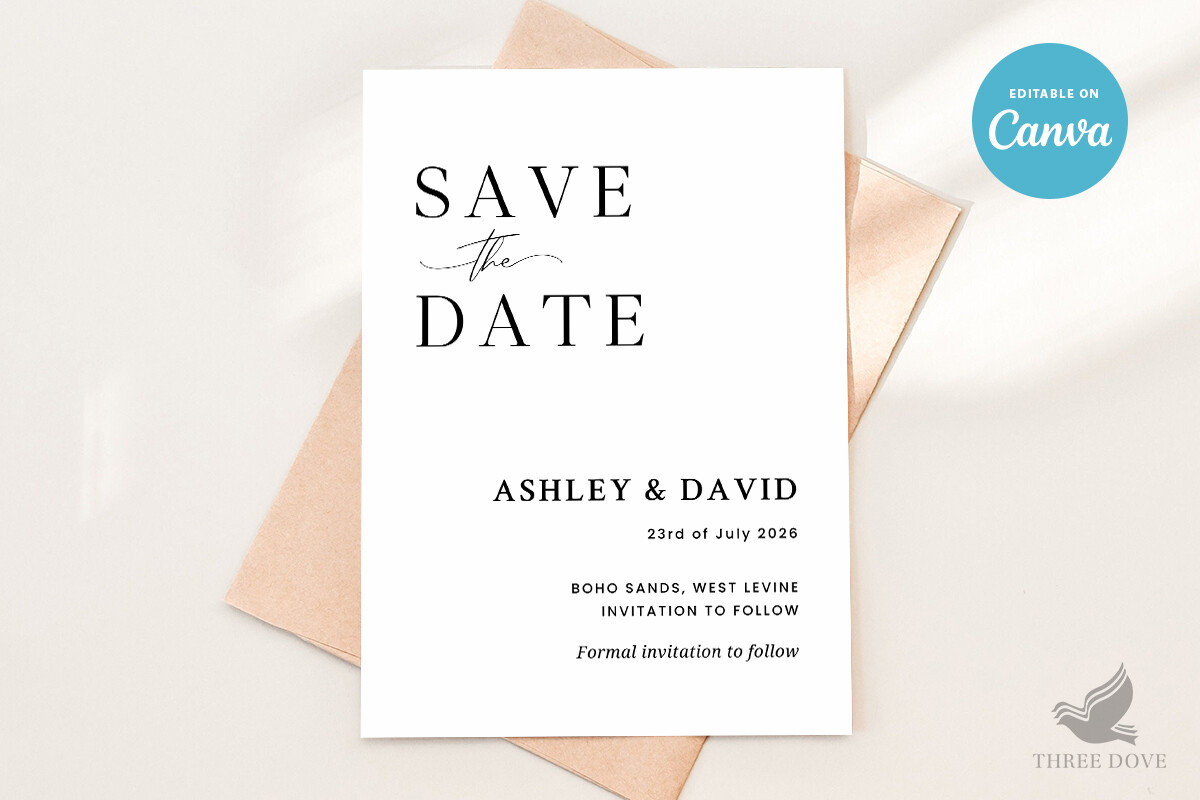
I redo things. A lot. I changed our venue city twice because we hadn’t actually locked the place, and this one let me swap the text without the rest sliding around. That alone saved me a meltdown.
I ran mine at home on a basic inkjet, 80lb cardstock from the craft store, nothing special. Came out crisp. My maid of honor borrowed the same file for hers and changed the color in about a minute, so it stretches across more than one wedding if your circle is getting married in a cluster like mine was.
The catch is the photo box. It wants a fairly square crop, and my favorite engagement shot was wide, so I had to recrop it and lost a bit of the background. Fixable, just plan your photo around it.
For the couple who wants people to actually keep it
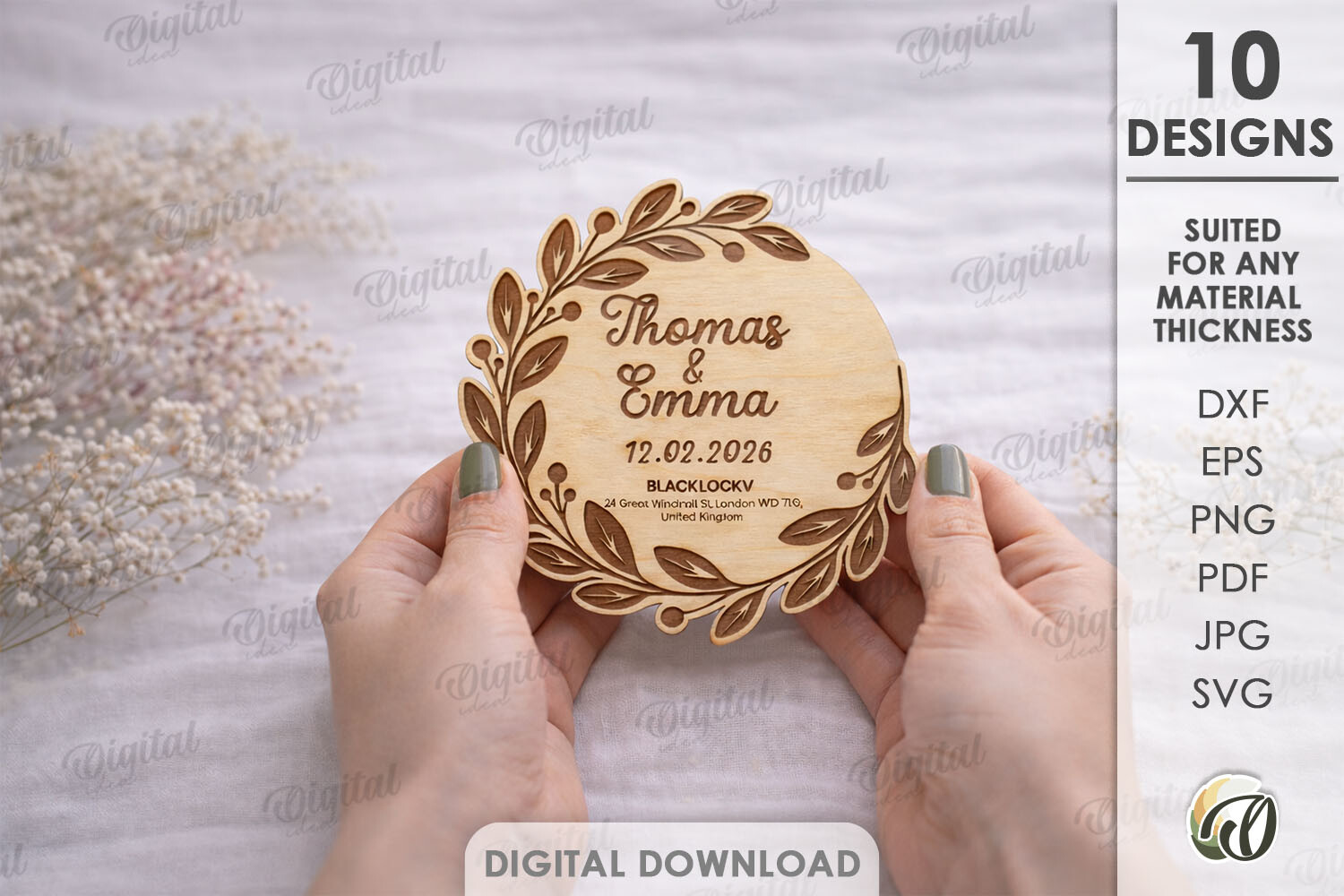
This is the fancy lane. Laser cut means there’s an actual cut-out detail, the kind of card someone props on a shelf instead of tossing. I did not use this for mine, I’ll be honest, my budget said no. But my cousin did for hers and people kept them.
If you go this route, do not try the cutting on a home printer. You need a real cutter or a copy shop that does it, and I’d call ahead because not every place handles the intricate cuts cleanly. The shop near my cousin charged per sheet and it added up, so she did a small batch only for the keepsake crowd and plain cards for everyone else.
My one warning. The thin cut bits snag in envelopes if you’re not careful sliding them in. She lost two to torn edges before she figured out the angle.
If you already live inside Canva anyway
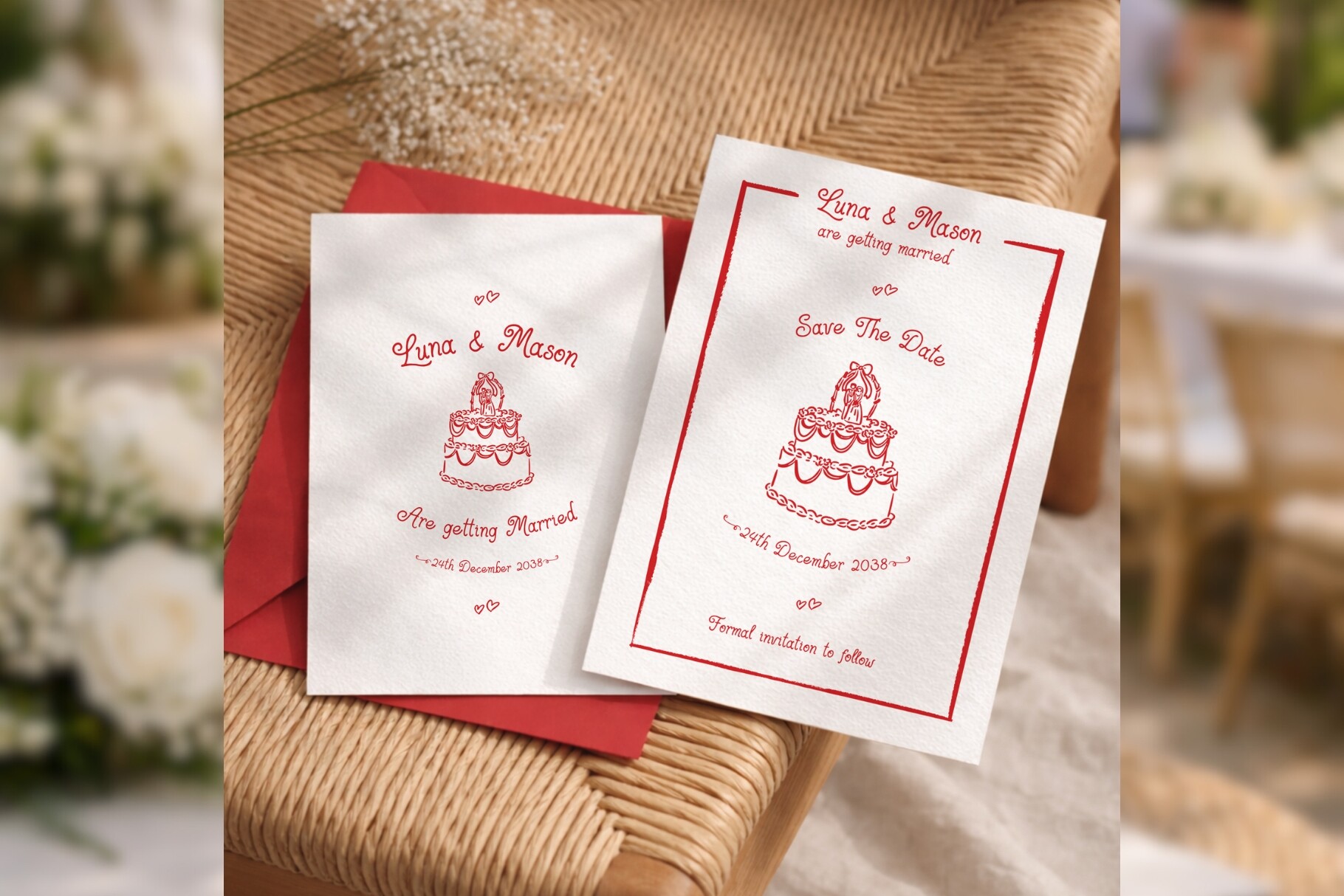
I’m not a designer. I open Canva to make a birthday flyer and that’s about the ceiling of my skill. This one opens right up in there, so you nudge the text on your phone while you’re on the couch, which is exactly when I get my wedding admin done.
I mocked ours up on the bus, no joke, changed the names and the date between two stops. Then I sent it to my partner to fact-check the spelling of his aunt’s hometown. Edit, save, done. The phone editing is the real selling point for people who never sit at a computer.
Where I tripped up was the export. I sent the low-res preview to print the first time and it came out soft. Set it to the print-quality export and check the little quality flag before you download a stack.
The moody one, for the not-pastel weddings
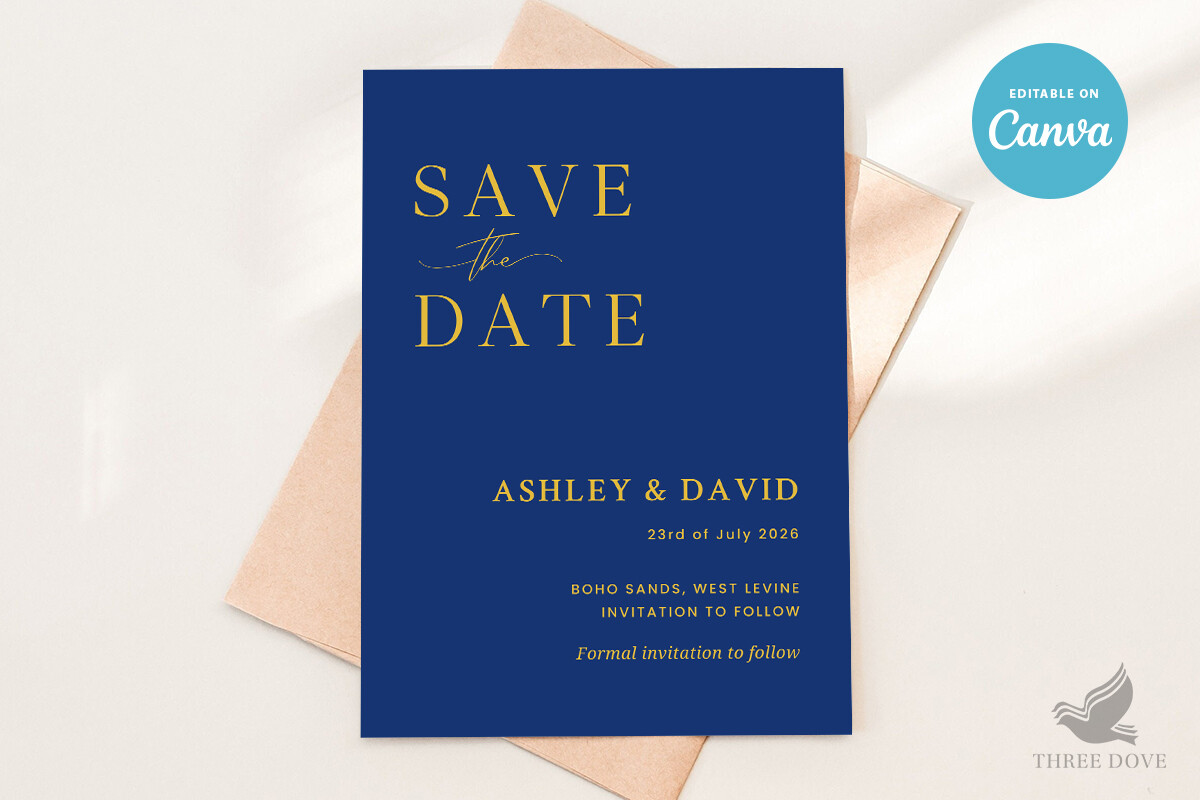
Not every wedding is sage green and cream. My friend Priya had a late fall evening thing with candles everywhere, and the soft floral stuff just looked wrong next to it. The dark layout matched her whole vibe before anyone walked in.
Heads up though, dark cards eat ink. She printed two at home, watched the cartridge gauge drop, and took the rest to the copy shop on Ashby because deep colors streak on a home printer anyway. I always say print one dark card at home first and see how your machine handles a full black background.
The gripe here is readability. Light text on dark needs to be a touch bigger or it disappears in dim light, and a save the date is the one card people read on their phone in the dark. She bumped the font up two points and it fixed it.
A second Canva pick, because one style never fits everyone
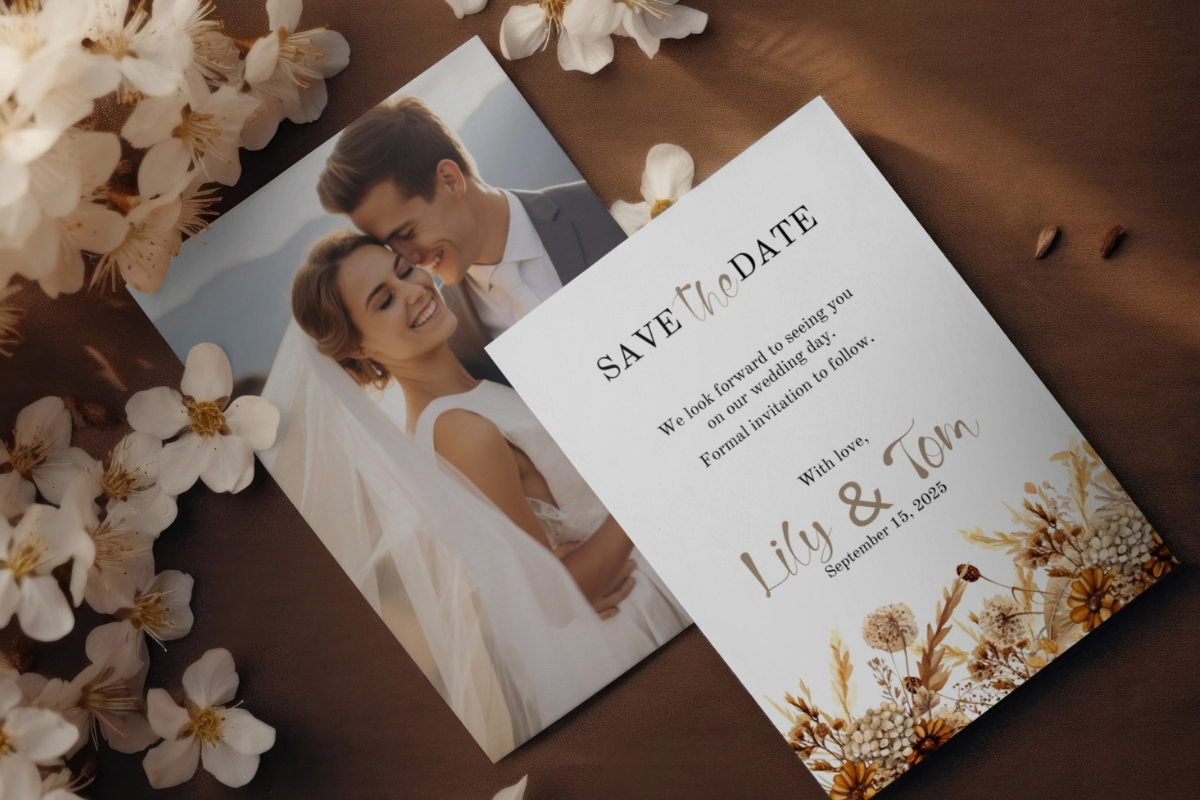
I keep more than one Canva option on hand because no two friends want the same look. This is the other one I point people to when the first doesn’t click. Different feel, same easy editing inside Canva on whatever device you’ve got.
I helped my neighbor with hers, an actual neighbor, she came over with wine and we did it at my table in twenty minutes. She wanted a tweak the first one couldn’t do easily and this one handled it. We printed a proof on plain paper and read it from across the room, the squint test, and it passed.
One small thing. There are a few extra design layers in it, so if you go deleting stuff to simplify, double-check you didn’t nuke the date by accident. I did. Twice. Undo is your friend.
The simple Canva file for people who want fewer decisions
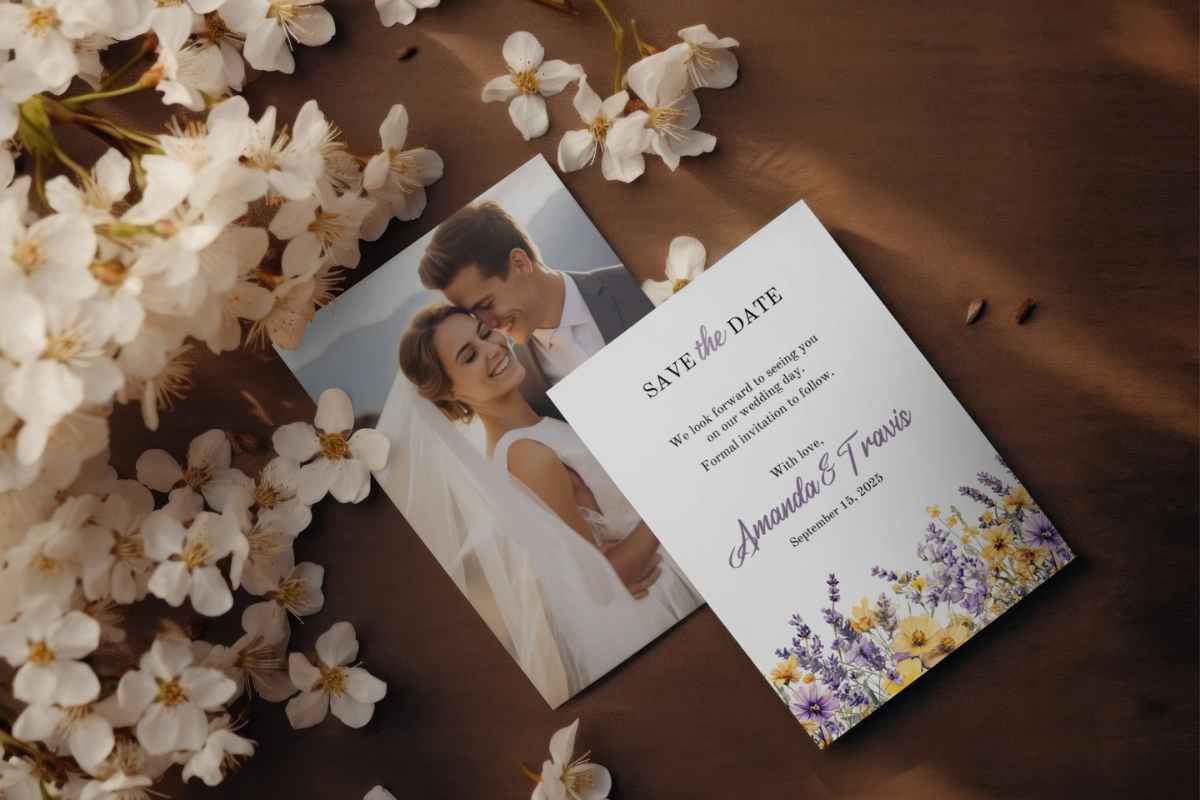
Some couples don’t want options, they want it over with. This is the stripped-back Canva one I send those people. Less to fiddle with, less to second-guess at midnight when you should be asleep.
My brother and his fiancee used it because they genuinely did not care about stationery, they cared about the open bar. They typed three lines, exported, and ordered prints from a local place that same night. Whole thing took less time than picking a font usually does.
The trade-off is obvious. Fewer bells means it can look a bit plain if your wedding is on the elaborate side. They added one photo to warm it up and that was enough. If you want maximalist, this isn’t your card.
The Questions I Get Most
When do you send save the dates?
Six to eight months before is the range I’d give a friend, and more like eight to ten if a lot of your people have to fly or it’s a holiday weekend. We sent ours about eight months out and I still had two relatives say they almost double-booked.
Don’t send them too early either. I got one from a couple a full year and a half out and I genuinely forgot about it by the time the invite came. Close enough that people can book, far enough that they can’t book a vacation over it.
Card, magnet, or digital?
Depends who you’re sending to, honestly. My older relatives loved a magnet because it lived on the fridge and they didn’t lose it. My friends my age barely look at mail, so a digital card they could screenshot worked better for them.
I ended up doing a mix. Printed cards and magnets for the parents-and-up crowd, a digital version texted to the group chats. Felt like overkill while I was doing it. It wasn’t, nobody missed the date.
Who gets a save the date?
Only people you are one hundred percent inviting. This is the one I got wrong. I sent a save the date to a coworker I was friendly with, then we cut the guest list for money reasons, and there was no taking it back. Awkward.
So the rule I tell everyone now, if there’s any chance they don’t make the final invite list, hold off. A save the date is basically a promise. I keep mine for the locked-in yes column only.
One Last Thing
If you take one thing from all this, print a single test card on cheap paper and read it from across the room before you commit to anything. Wrong year, wrong photo crop, soft export, I hit all of those, and a thirty-second test page would have caught every one.
Pick the file that matches how you actually work. On your phone, go Canva. Want it to last on a shelf, go laser cut for a small batch. Then send them a touch earlier than you think, because someone on your list is always one flight away.